
Published: October 20, 2026. Last updated: November 23, 2026.
To cancel a PayPal payment, open Activity and look for Cancel beside the transaction. Some unclaimed payments offer this option. A completed payment generally requires a refund request instead. Pending alone does not mean you can cancel.
This guide uses PayPal’s US instructions and policies. Rules and available features can differ for accounts registered elsewhere.
If you did not authorize the payment, report it promptly through PayPal’s unauthorized-activity process. You do not need to work through the ordinary cancellation steps first.
Check the payment and choose the right next step
Find the transaction in Activity, using search or Filters if necessary. Check the recipient, amount, payment status, and available actions before proceeding. The table below separates situations that can look similar but require different responses.
| Your situation | Can you cancel it yourself? | What to do next |
|---|---|---|
| Unclaimed payment with Cancel available | Yes, through PayPal. | Cancel the payment and complete the confirmation steps. |
| Pending or unclaimed, without Cancel | Not through that payment’s cancellation controls. | Check why cancellation is unavailable. |
| Completed payment | Generally no direct cancellation. | Ask the recipient for a refund. |
| Pending merchant authorization | Contact the merchant. | Ask whether the order or authorization can be canceled. |
| Pending eCheck | The sender must contact their bank. | Ask the bank about canceling the pending eCheck. |
| Future subscription or automatic charge | You can cancel its PayPal payment authorization. | Manage the merchant’s automatic-payment agreement. |
| Payment you did not authorize | Use the unauthorized-activity route. | Report the transaction to PayPal promptly. |
How to cancel an unclaimed PayPal payment
Follow PayPal’s website cancellation instructions when the transaction offers Cancel:
- Sign in to PayPal and open Activity.
- Find the payment and verify the recipient and amount.
- Select Cancel beneath the payment.
- Complete the confirmation steps shown.
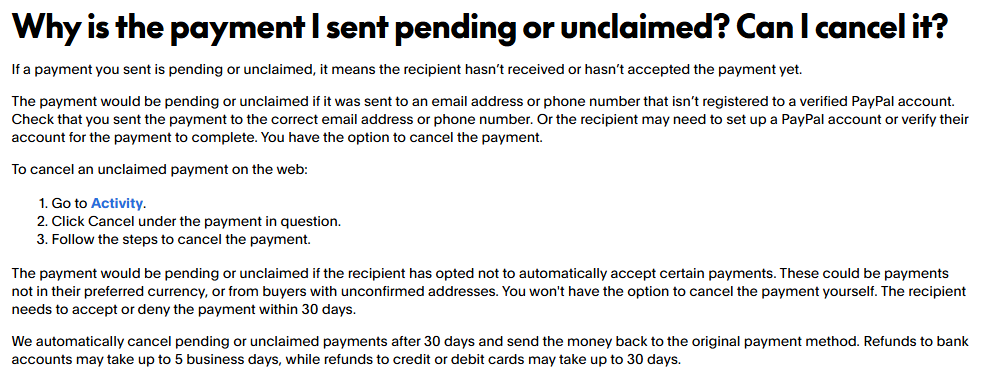
Afterward, review the transaction again and keep the cancellation confirmation for your records. Do not send a replacement payment until you have checked what happened to the first one.
Using the PayPal app or a phone
If the app does not show the controls you need, open paypal.com in your phone’s browser and follow the website steps above.
Why there may be no Cancel button
A transfer to an email address or phone number without a verified PayPal account may offer cancellation. However, recipients can require manual acceptance of certain payments, such as a different currency. PayPal says the sender cannot cancel those payments. Ask the recipient to decline the transfer.
For these unclaimed-payment situations, PayPal describes automatic cancellation after 30 days. That rule does not establish a cancellation deadline for every pending transaction. See its pending and unclaimed payment guidance.
A pending authorization needs the merchant’s help
An authorization means you approved a merchant payment that has not yet been captured. PayPal directs buyers to contact the merchant about canceling the order or authorization. Open the transaction in Activity to find the merchant’s contact details.
Ask the merchant to confirm whether it has canceled the order, the authorization, or both. Those answers help you determine whether you are waiting for a hold to be released or need to request a refund for a charge that has already completed.
PayPal says authorizations typically expire in 29 days. This is not a promise that a card hold disappears on that date: the US User Agreement explains that the card issuer may show a pending authorization until it releases the hold or receives the completed transaction.
A pending eCheck needs a bank inquiry
According to PayPal’s eCheck cancellation guidance, only the sender can cancel a pending eCheck, by contacting their bank. Give the bank the payment details and ask whether cancellation can still be completed.
Once the eCheck has cleared, cancellation is unavailable; the sender can request a refund. This specific eCheck procedure should not be treated as a general way to reverse any PayPal payment funded through a bank account.
What to do if the PayPal payment is completed
A completed payment has already reached the recipient, so immediate cancellation is generally unavailable. Your next step is to request a refund from the recipient or merchant.
- Open Activity and select the payment.
- Use the contact details in the transaction to reach the recipient or seller.
- Explain the problem and request the appropriate refund.
- Keep the transaction ID, your message, and any response.
This follows PayPal’s refund-request process. You are asking the other party to return the money; the recipient’s Issue a refund control is not a button the buyer can use to undo a purchase.
If you sent money to the wrong person or email address
Check whether the payment is still unclaimed and offers cancellation. If it is completed, PayPal recommends contacting the recipient for a refund; the transaction may also provide a Chat option.
Make your request specific: identify the payment date and amount, explain that you selected the wrong recipient, and ask for the original transaction to be refunded. Check the full recipient address before making another payment. A typing mistake and a purchase that never arrived require different explanations.
If the recipient does not respond, a Goods and Services payment may have a dispute route, subject to the applicable rules. Describe what actually happened; do not select an inaccurate purchase complaint just to obtain a refund.
Friends and Family payments have different protection
PayPal Purchase Protection excludes personal payments sent using Friends and Family. If you authorized such a payment to the wrong person, pursue a refund with the recipient. Purchase Protection is not a fallback simply because the recipient refuses.
That exclusion does not mean genuinely unauthorized account activity can never be reported. Use the separate reporting process below if someone made a payment without your authorization.
When to open a dispute or escalate a claim
If an eligible purchase has a problem and you cannot resolve it with the seller, PayPal offers a dispute process. Its payment-problem guidance includes non-delivery, an item or service differing from its description, and billing issues.
- Open PayPal’s Resolution Center and select Report a Problem.
- Choose the transaction and select Continue.
- Select the reason that accurately describes your situation.
- Provide the requested details and submit the report.
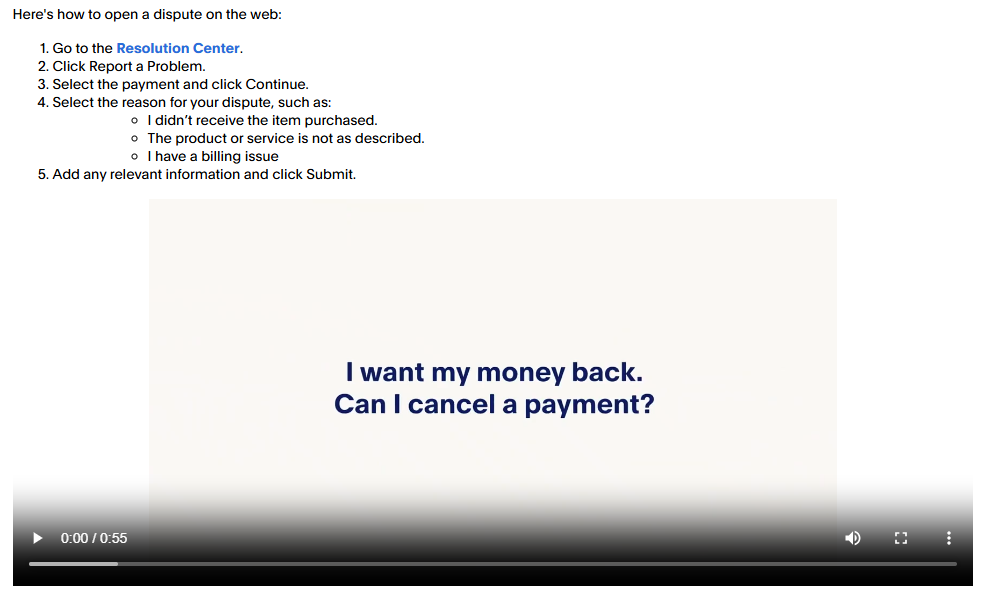
Preserve useful evidence, such as the order confirmation, promised delivery details, correspondence, and photographs relevant to a description dispute. Organizing those records makes it easier to explain the issue consistently.
Check the deadline for your specific complaint
PayPal’s US dispute-filing timeframes distinguish these purchase complaints:
| Complaint | Deadline for opening the dispute |
|---|---|
| Item Not Received | Within 180 days after sending the payment. |
| Significantly Not as Described | Within 30 days after delivery or fulfillment, or within 180 days after payment, whichever deadline comes first. |
Do not assume every problem has a 180-day window. Unauthorized activity should be reported immediately. Other covered errors have different rules, including a deadline tied to the first statement showing the error. Follow the policy that applies to your issue.
A dispute lets you communicate with the seller. A claim asks PayPal to investigate and decide. If the dispute remains unresolved, escalate it within 20 days after opening it. Do not confuse that escalation period with the deadline for first reporting the purchase problem.
Monitor the Resolution Center for the case deadline and requests for information. Opening a dispute or claim does not guarantee reimbursement.
If you are considering a card-issuer dispute
For card-funded payments, you may have a separate dispute option with the card issuer. Under PayPal’s US Purchase Protection terms, you cannot pursue both processes simultaneously for the same transaction. Starting a card dispute while a PayPal case is open causes PayPal to close its case.
Those terms also say that choosing the card-issuer process prevents a later PayPal dispute for that transaction. Check the issuer’s deadline before choosing a route; do not assume a PayPal case extends it.
Report a payment you did not authorize
If someone used your account to make a payment without your authorization, report the transaction to PayPal immediately. On the website:
- Go to the Resolution Center.
- Choose Report a problem, select the payment, and continue.
- Select I want to report unauthorized activity.
- Follow the reporting instructions.
First check whether an unfamiliar charge is a subscription or another payment you previously authorized. If the payment is genuinely unauthorized, do not delay reporting it while waiting for a recipient to answer.
PayPal distinguishes unauthorized access from an authorized scam payment. Being deceived into sending money is different from someone accessing your account and sending money without permission. Explain the facts accurately so PayPal can direct you to the applicable process.
For support, use PayPal’s own Help Center. Its security guidance warns against support impersonators asking for passwords, verification codes, or a “test” payment. Do not send another payment to someone claiming they need it to release a refund.
How to stop automatic PayPal payments or subscriptions
If you want to prevent a future merchant charge, cancel the automatic-payment authorization associated with that merchant. This is a separate action from requesting a refund for money already paid.
Use PayPal’s website instructions for automatic payments:
- Open Settings.
- Select Payments.
- Open Subscriptions and saved businesses or Automatic Payments.
- Choose the merchant.
- Use the cancellation option for that agreement and complete any confirmation.
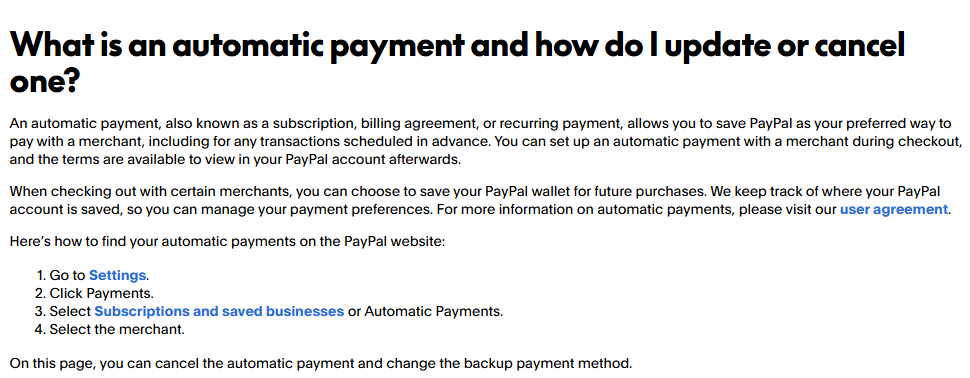
If you cannot find the matching controls in the app, use the PayPal website from a browser. Save the confirmation and check that you selected the correct merchant agreement.
For US personal accounts, the User Agreement provides for stopping a scheduled recurring payment with at least three business days’ notice. Act before that point when possible. If the payment is due sooner or has already started, contact PayPal and the merchant; do not assume canceling the agreement will stop that charge.
Also cancel the subscription with the merchant if you want the service to end. Removing PayPal authorization does not erase amounts already owed or other obligations to the merchant. A refund for an earlier charge requires a separate request.
When will the money return?
Cancellation, a merchant refund, and release of an authorization hold are different events. Confirm which one applies before using a timing estimate.
After cancellation of an unclaimed payment
In its unclaimed-payment guidance, PayPal says returned funds go to the original payment method. It allows up to 5 business days for banks and 30 days for credit or debit cards.
After a merchant issues a refund
For issued refunds, PayPal’s refund-status guide gives these estimates:
| Original payment method | Refund timing |
|---|---|
| PayPal balance | The same day. |
| Bank account | Usually up to 5 business days; some take up to 30 days, depending on the original payment’s status. |
| Debit card | Generally up to 5 business days; some card companies take up to 30 days. |
| Credit card | Up to 1–2 billing cycles, depending on the issuer. |
Refunds normally return to the original funding method, with exceptions when it cannot be credited. These refund estimates are separate from the cancellation guidance above. A billing cycle is not the same as a business-day count.
Track the result and follow up with the right party
In Activity, filter for Refunds and open the relevant transaction. PayPal’s refund guide distinguishes funds sent onward from funds received by your bank or card issuer.
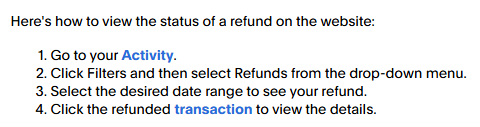
If PayPal has sent the refund but the expected time has passed, contact the bank or card issuer with any reference shown. If the refund itself says Canceled, PayPal could not process it: contact the seller. That status does not confirm successful cancellation of the original payment.
Keep a record of the action you took
Before leaving the transaction, make sure your records answer these questions:
- What changed? Record whether you canceled a payment, requested a refund, opened a case, or stopped future billing.
- Who must act next? Note whether you are waiting for the recipient, merchant, PayPal, or your bank.
- What date matters? Save any case deadline, refund estimate, or next billing date relevant to your situation.
- What proof do you have? Keep the transaction ID, confirmation, and correspondence together.